Is there a way for us to Automatically HIDE all CLOSET views from the iGUIDES?
Hi Brian,
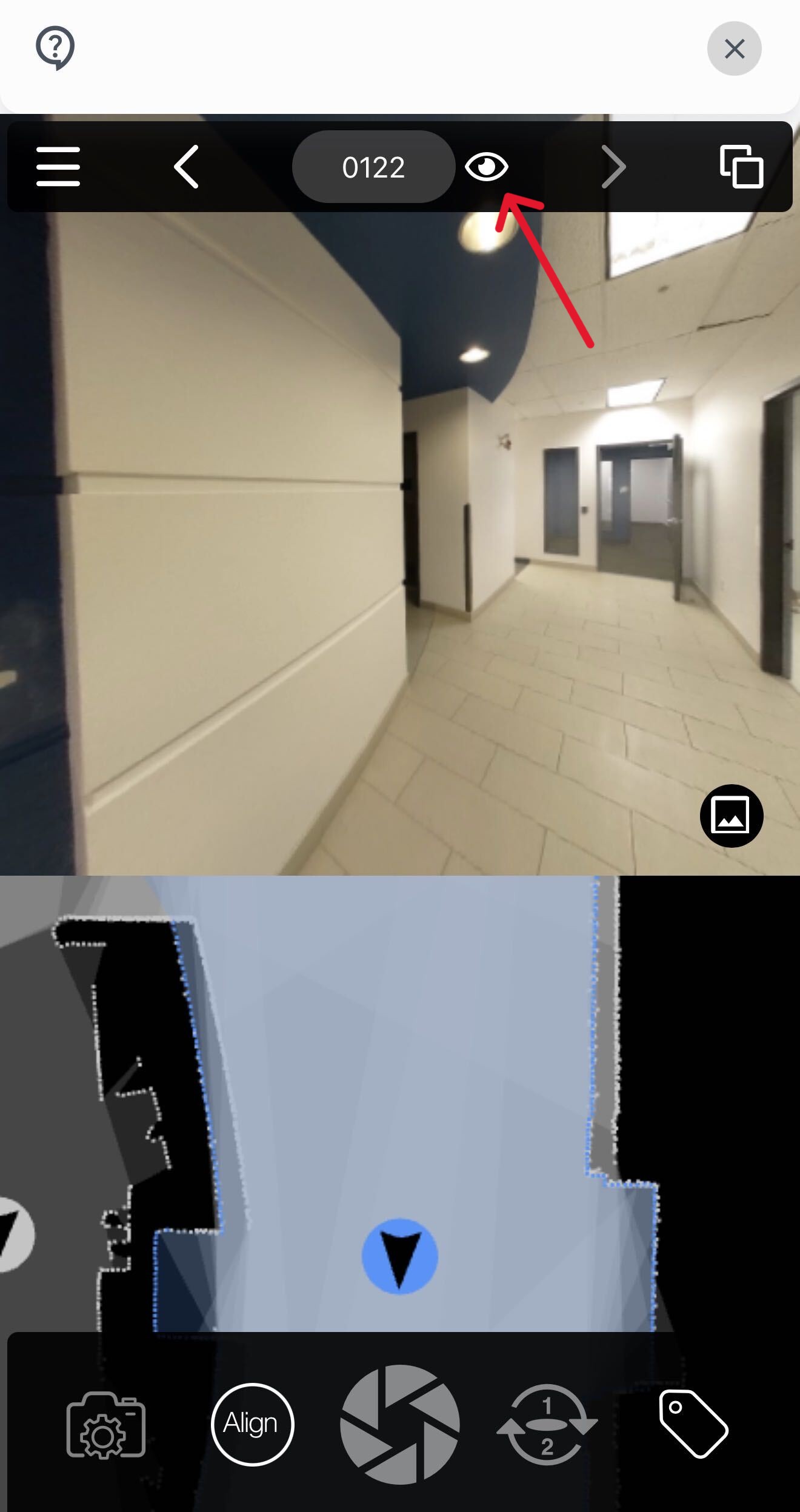
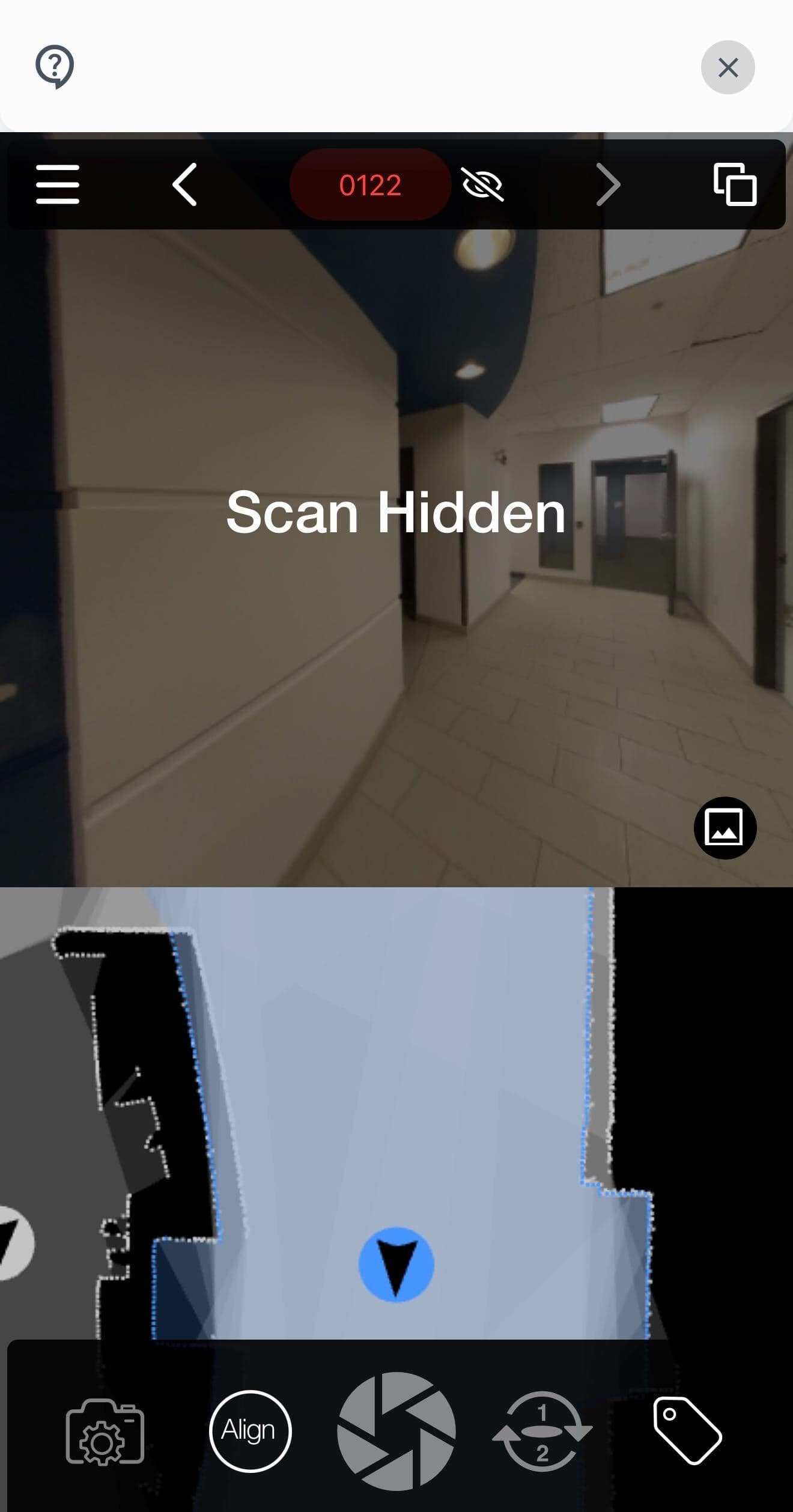
There isn’t currently a way to automatically hide closets, but it’s very easy to do while scanning the space. Once a scan is complete, simply click the small eye icon beside the scan number at the top of the screen. This will retain the scan data for accurate drafting while removing that panorama from the tour.
I’ve included screenshots below for reference:
I hope this helps! If you have any further questions, please reach out to our support team and we would be happy to assist.
Submit a Ticket OR call us at 1-855-505-1723